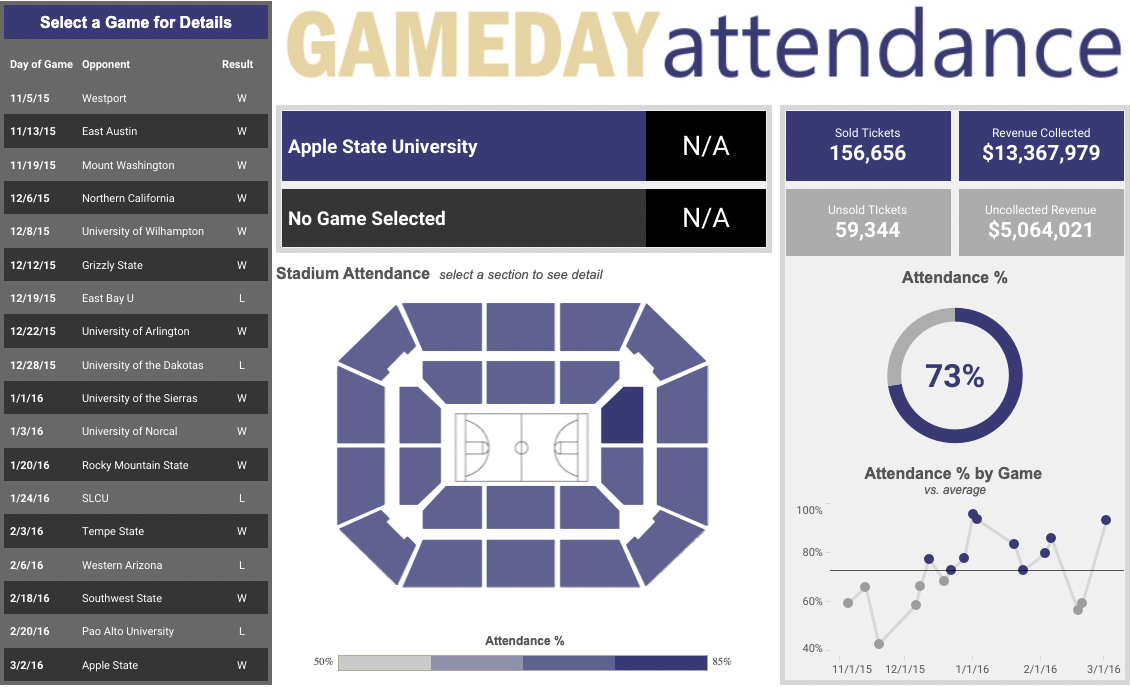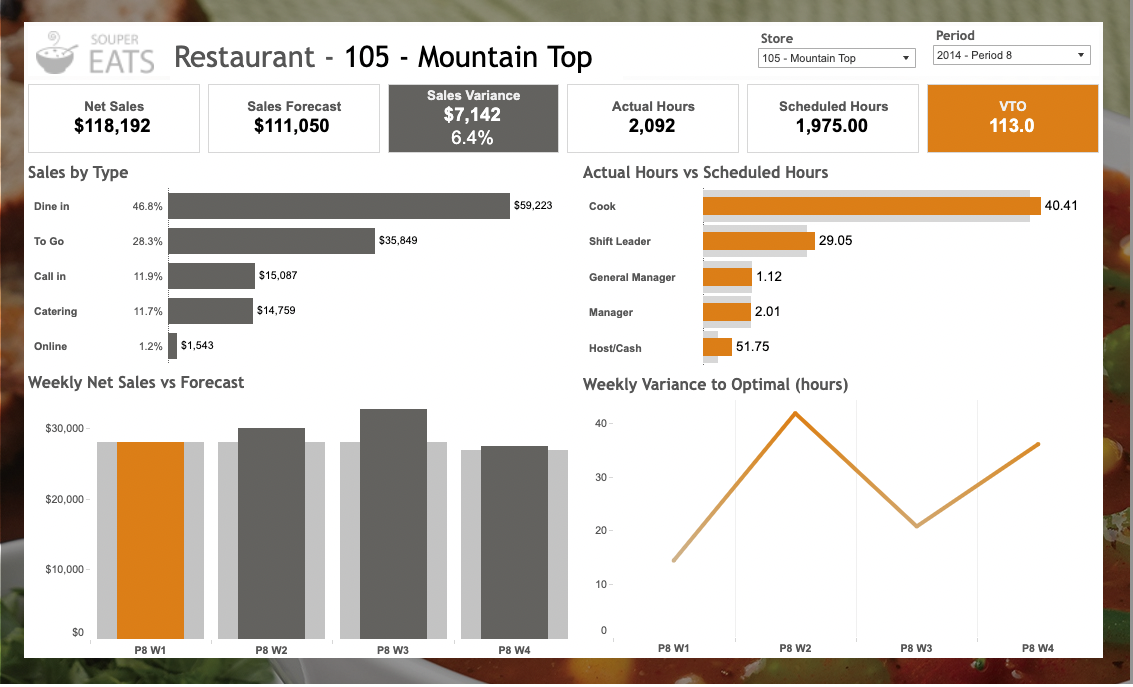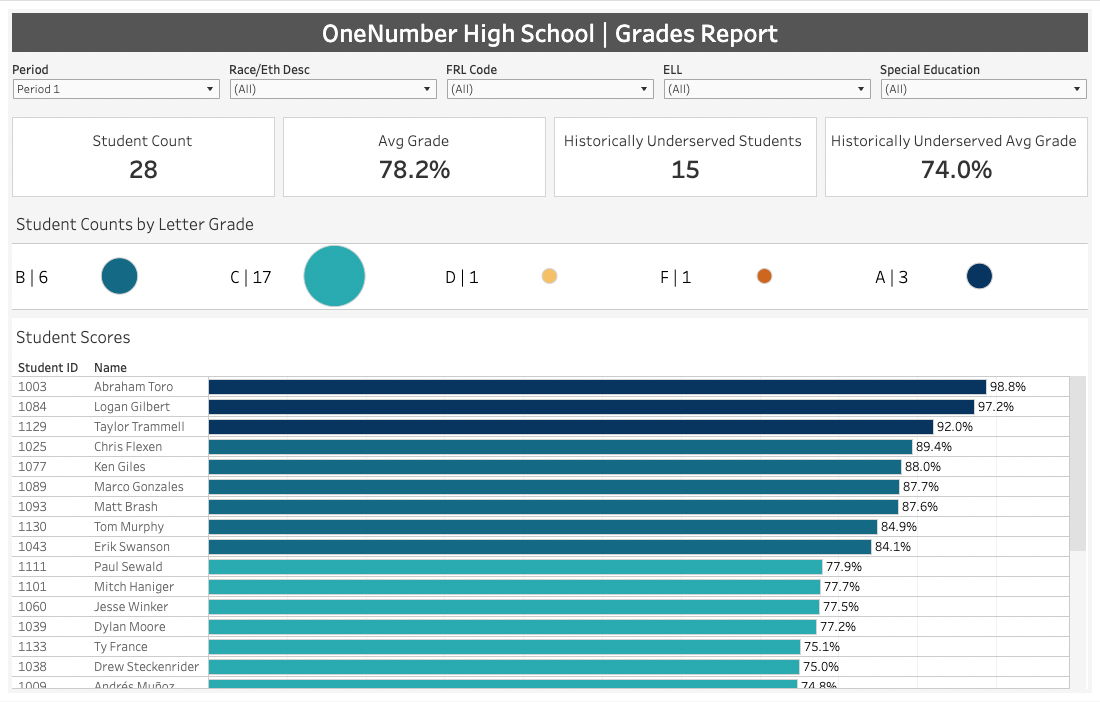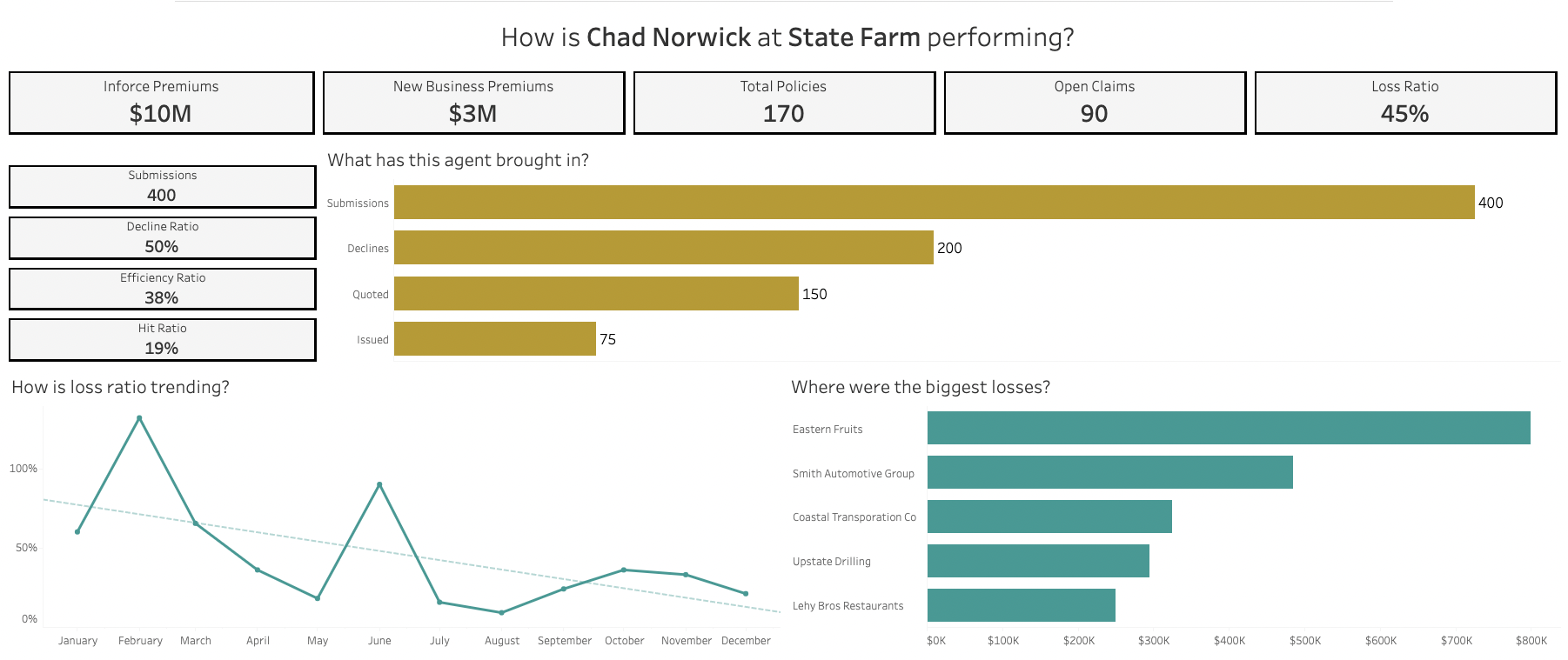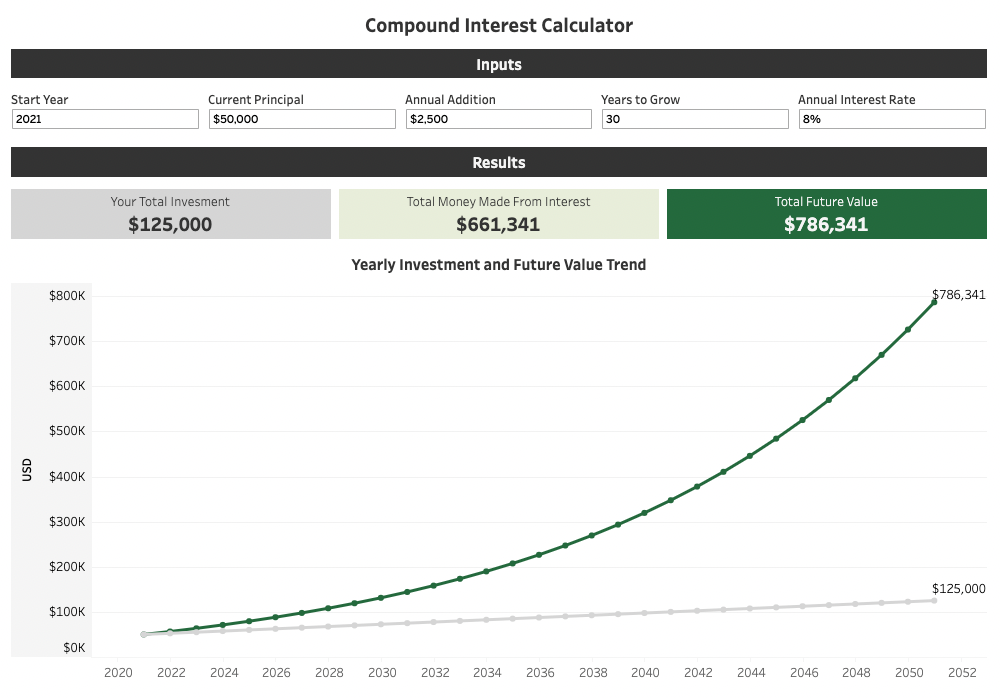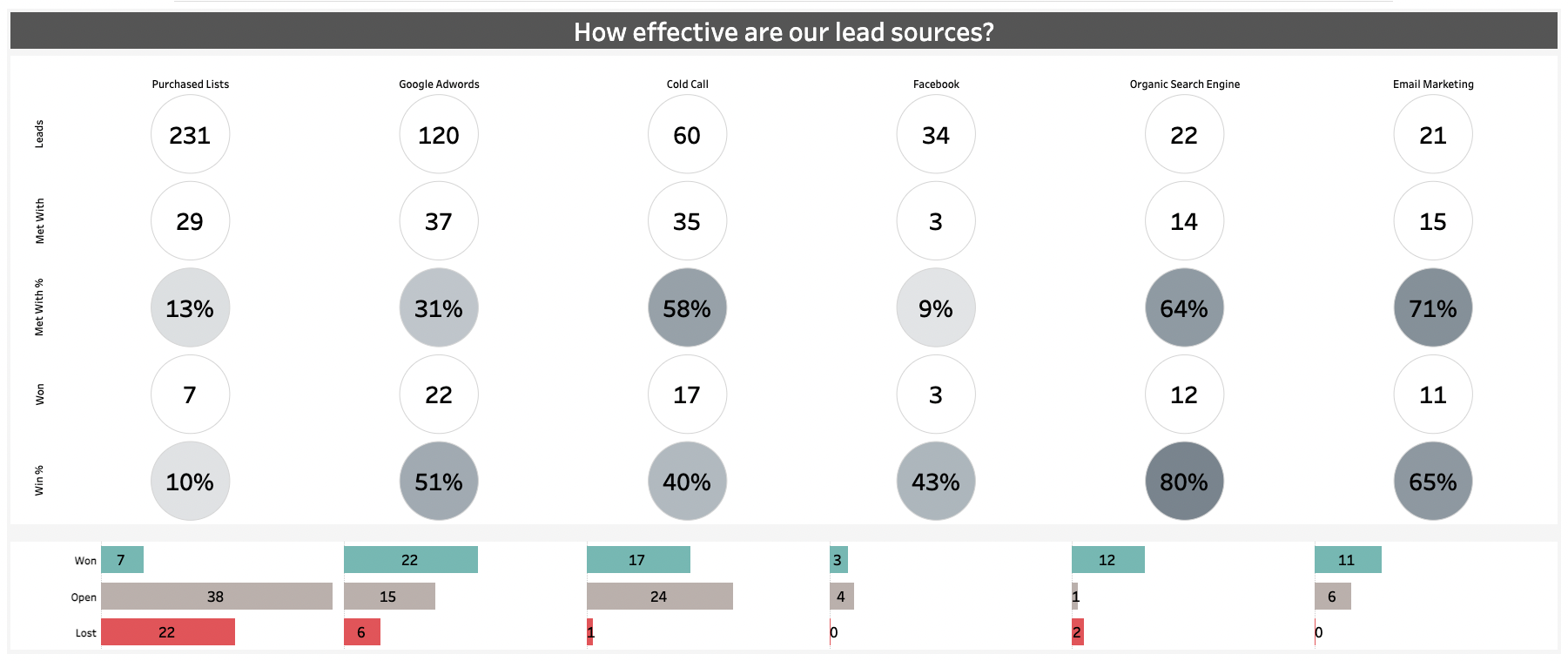
With a range of courses from Beginner to Advanced levels, our experienced trainers can take your and your team’s Tableau skills to the next level.
Book a consulting session with a Tableau expert to help you solve a technical problem, or to set up one-on-one mentoring to help you up-skill in a particular area.
Big projects are complicated and can require a lot of time. We specialize in building efficient, intricate custom data projects to save you time and money.
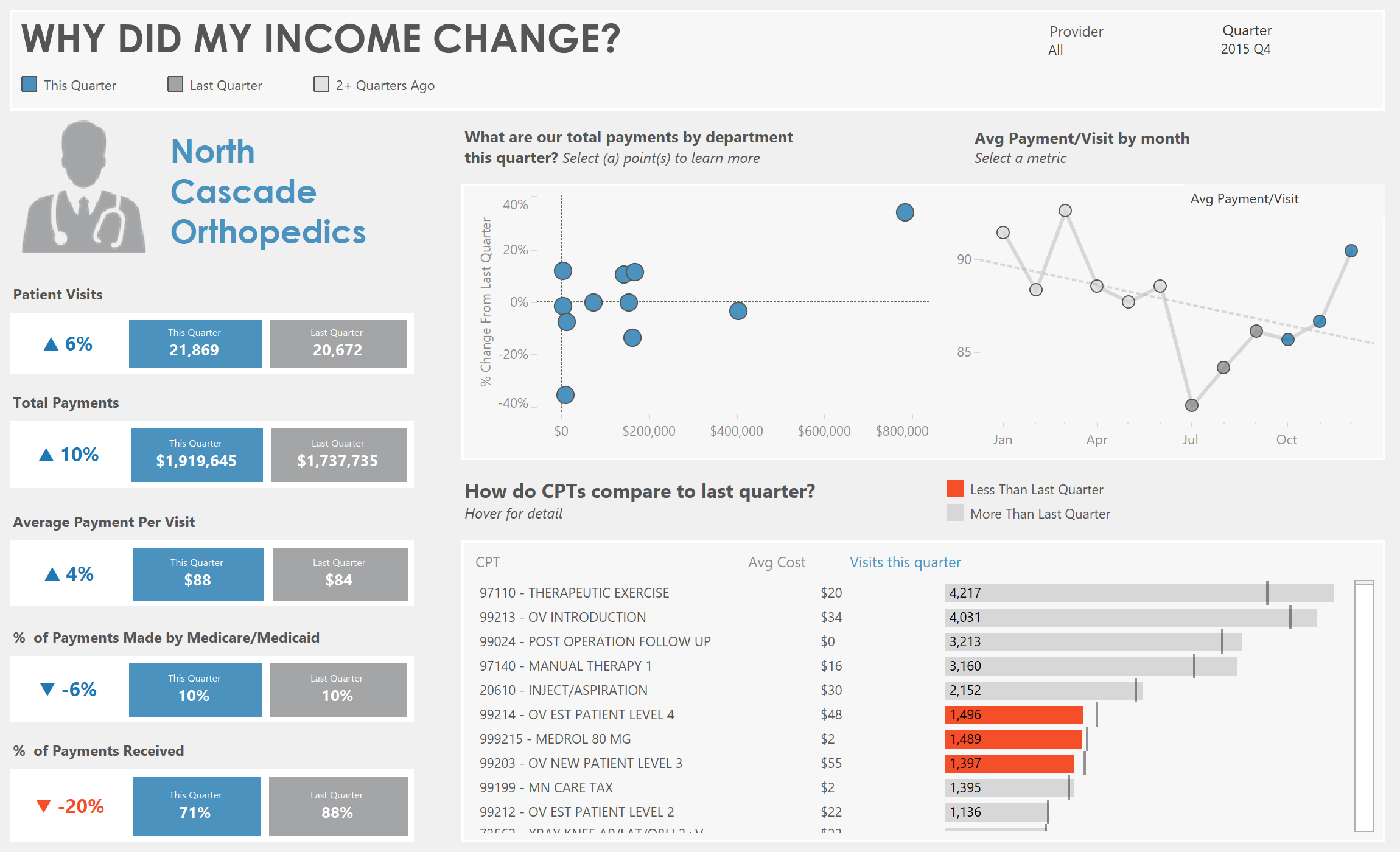
Tableau is a data visualisation and analytics platform that is comprehensive and intuitive to use. Build visually-appealing and insightful graphs and worksheets, compile them in dynamic and interactive dashboards, and share your findings with ease and security. As a market-leading business intelligence platform, Tableau lets you explore and manage your data, as well as share your insights simply with extensive privacy measures.
Who Are We?
The OneNumber team is a small, dynamic group of data professionals, with extensive experience in a range of industries. We believe in building personal relationships with our clients, and getting to know each client’s specific requirements and dreams. We are passionate about teaching and training, solving complex data problems, and about helping you get the most out of your data.
“The OneNumber team has helped us significantly advance our analytical prowess. We can’t thank them or recommend them enough!”
Our Tableau Training Passport gives you access to all our classes over a six month period for half the cost! Come to as many classes as you like, and enjoy up to 56 hours of live instruction with access to class recording for 2 weeks.
Discounted Tableau Training
All our classes, packaged into an unbeatable deal, offering you 56 hours of live instruction from our expert Tableau Instructors.
Client Satisfaction
We’ve taught hundreds of clients over the years, and built many custom technical solutions for many happy clients. Here’s what they have to say.
We want to get as much Tableau information into your hands as possible. Our team has put together a library of free resources to help you learn Tableau. From short videos and posts to answer frequently asked questions, to full-scale video series and classes, we hope that we can add value to your Tableau-learning journey!
The OneNumber Blog
Updated every week, our blog features 250+ posts about various Tableau tips, tricks, and insights to help you gain insights from your data and work with Tableau easily.
When should you use Table Calculations and when should you use an LOD? There are differing opinions out there...
When the calculation is dependent on information in your window, use a Table Calc. When it's independent, use an LOD.
Unless... your workbook starts to show performance issues.
Tableau's parameters are variables that can take the place of constants. They are the primary tool that we use when we want to add interactivity into our views, allowing our end users to interact with sliders, drop-down menus, and type in boxes to change the values in the views.
Parameters can be used to change values in a filter, a calculation or even a reference line! In this video, we'll look at the most important things you need to know to work well with parameters.
Do you want to add multiple totals to the bottom of a worksheet in Tableau? Maybe it would be useful for your user to see both a sum and average of the values in your sheet, but Tableau won't comply.
Unfortunately, Tableau doesn't offer the ability to add multiple totals to a table out of the box, but with a little creativity, we can get there! Some key ingredients include, Level of Detail Expressions, a unique worksheet for each total and some dashboard formatting.
Ready to learn how to add multiple totals to a text table in Tableau? Check out this video!
While we have many out-of-the-box Tableau classes, sometimes custom training is what your team needs.
Here are a few benefits of having us build and deliver customized Tableau training for your team:
Want to build professional Tableau dashboards without the expensive license? Tableau Public Desktop is a powerful, free resource that's perfect for learning and showcasing your data visualization skills.
In this tutorial, I'll guide you step-by-step through creating your first dashboard from scratch:
While we have many out-of-the-box Tableau classes, sometimes custom training is what your team needs.
Here are a few benefits of having us build and deliver customized Tableau training for your team:
Tableau Prep is a powerful tool which allows users to clean and model data at will. It's infinitely customizable and allows for users to apply whatever transformations and alterations they deem necessary to build the data source they need for their analysis.
Tableau Prep provides a compelling alternative to writing thousands of lines of code or paying an arm-and-a-leg for a legacy software solution. There has never been a better time to add Tableau Prep to your toolkit of solutions!
In 2024, the United States Department of Justice ruled that all state and local agencies need to have WCAG-compliant websites by April 2026. That also applies any embedded content (like Tableau dashboards!).
If your organization is subject to this ruling, there is limited time to get ahead of things!
In this week's webinar, we shared some practical suggestions we've developed while working with clients to ensure their Tableau content is WCAG-compliant ahead of the April deadline.
Regular Expressions are a family of functions which allow you to identify patterns in text strings and perform a manipulation based on a pattern that is recognized.
REGEXP_MATCH can determine if a substring is present in a larger string and REGEXP_REPLACE can replace a list of values with a predetermined output. These are more powerful than standard functions like CONTAINS and REPLACE because they can handle multiple search criteria at once and the can match on patterns (e.g. ABC-123) rather than exact text matches.
Ready to learn how you can harness the power of Regular Expressions in Tableau? Check out this video!
Our YouTube channel is full of short trouble-shooting videos, deep-dives into various topics, and full-length webinars and workshops on Tableau topics. We release multiple videos a week, aiming to answer your Tableau-related questions and give you tips and tricks that might take months to learn!